Getting started
SIGN UP
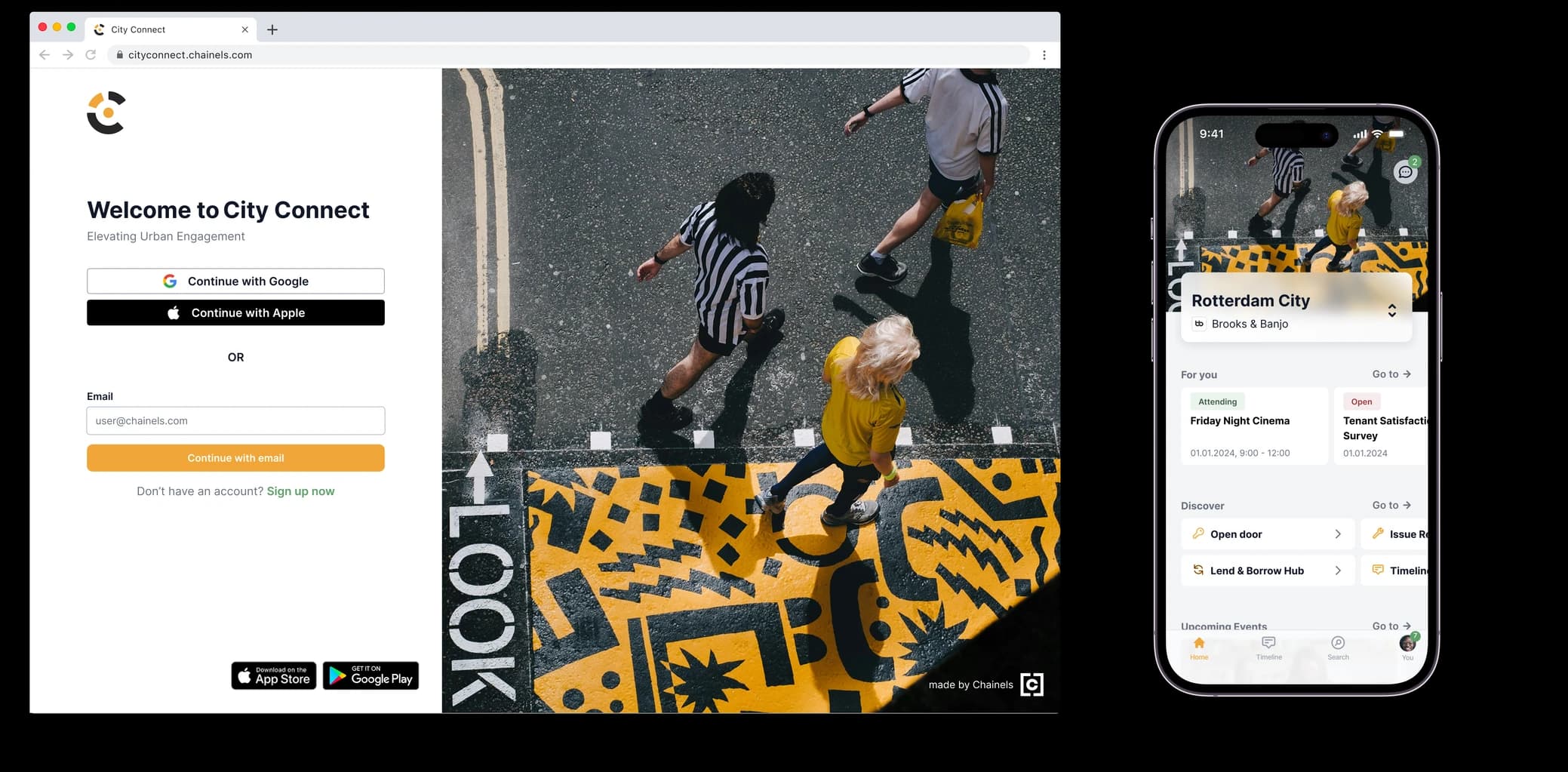
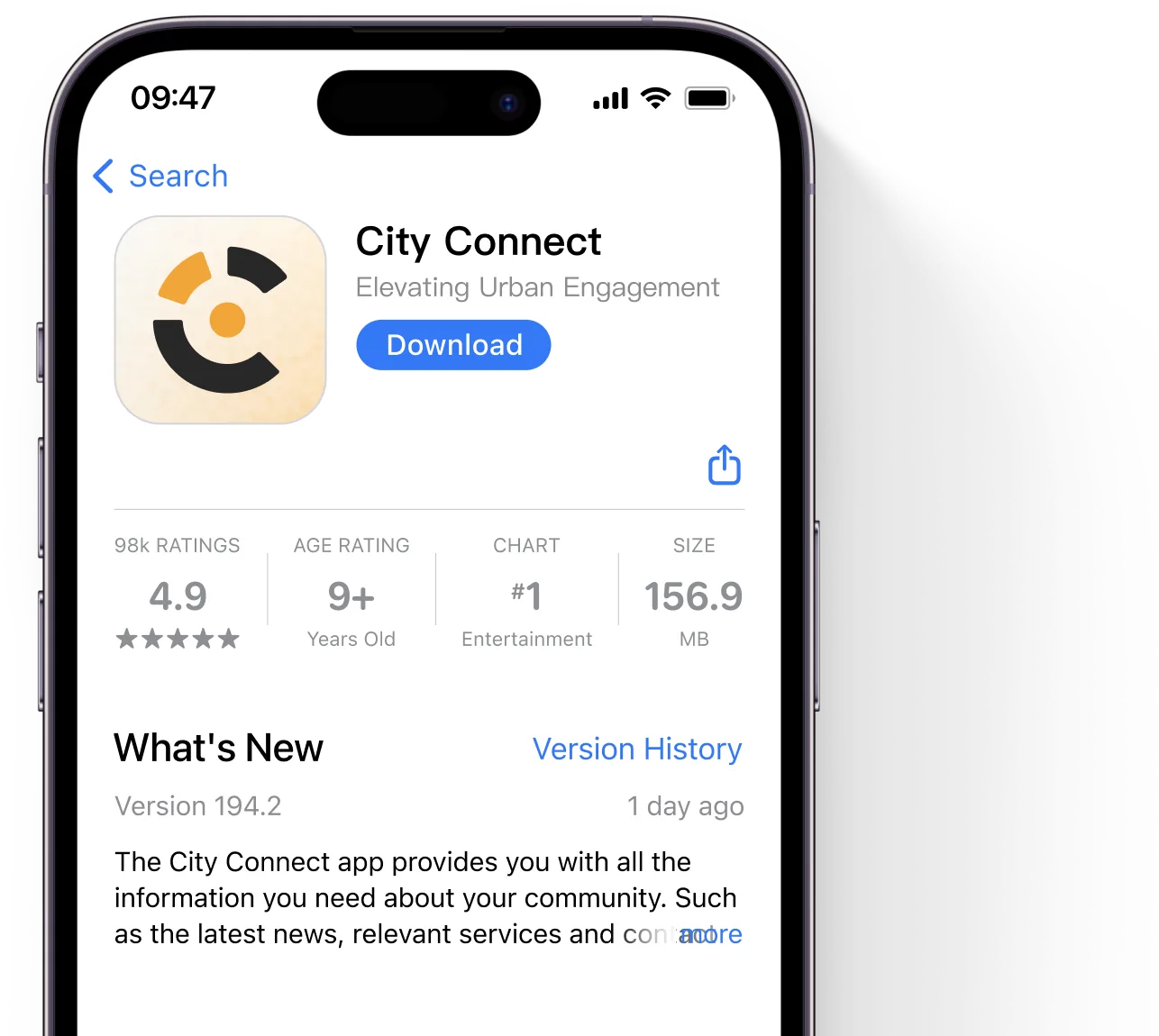
You will receive an invitation email with an activation link to activate your account. With your email address and password of your choice, you can also log in to the free City Connect app. You can find it by searching for City Connect in the Play Store or App Store.


Complete your profile and adjust your settings
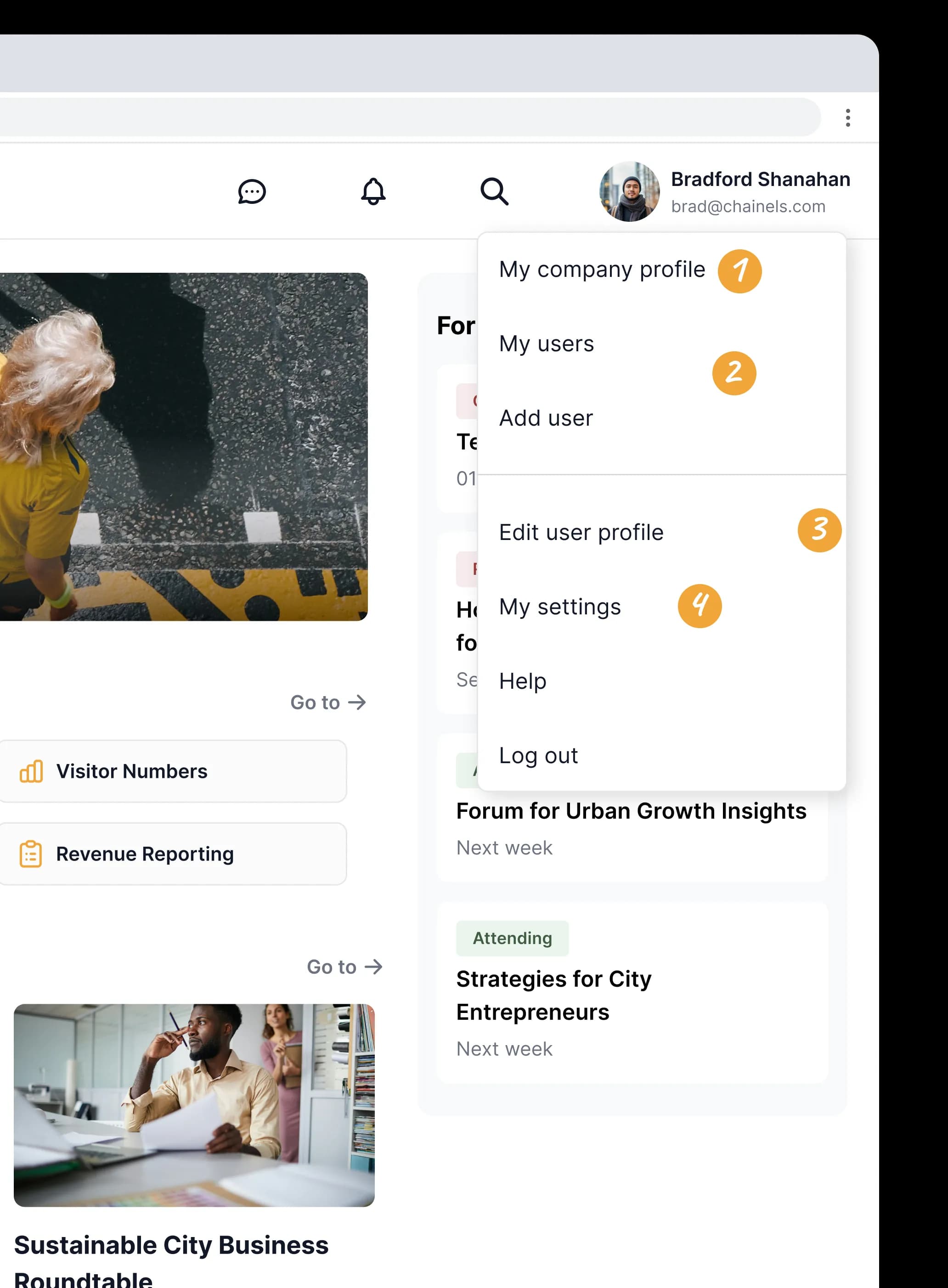
You can easily adjust your company profile. You can do this by clicking on My company profile in the menu at the top right and then on Edit profile.
It is important to keep your opening hours, website, logos and additional information up to date.
Click on My users, then on the yellow button (Edit users) and finally on “Add user” to easily invite your colleagues!
You can complete your user profile by adding a profile picture, filling in your name (if you haven't already) and your role. To do this, click on your name at the top right of the screen and then on “Edit user profile”.
Set your preferred language, notification preferences, profile visibility and password via “My settings”.
Features
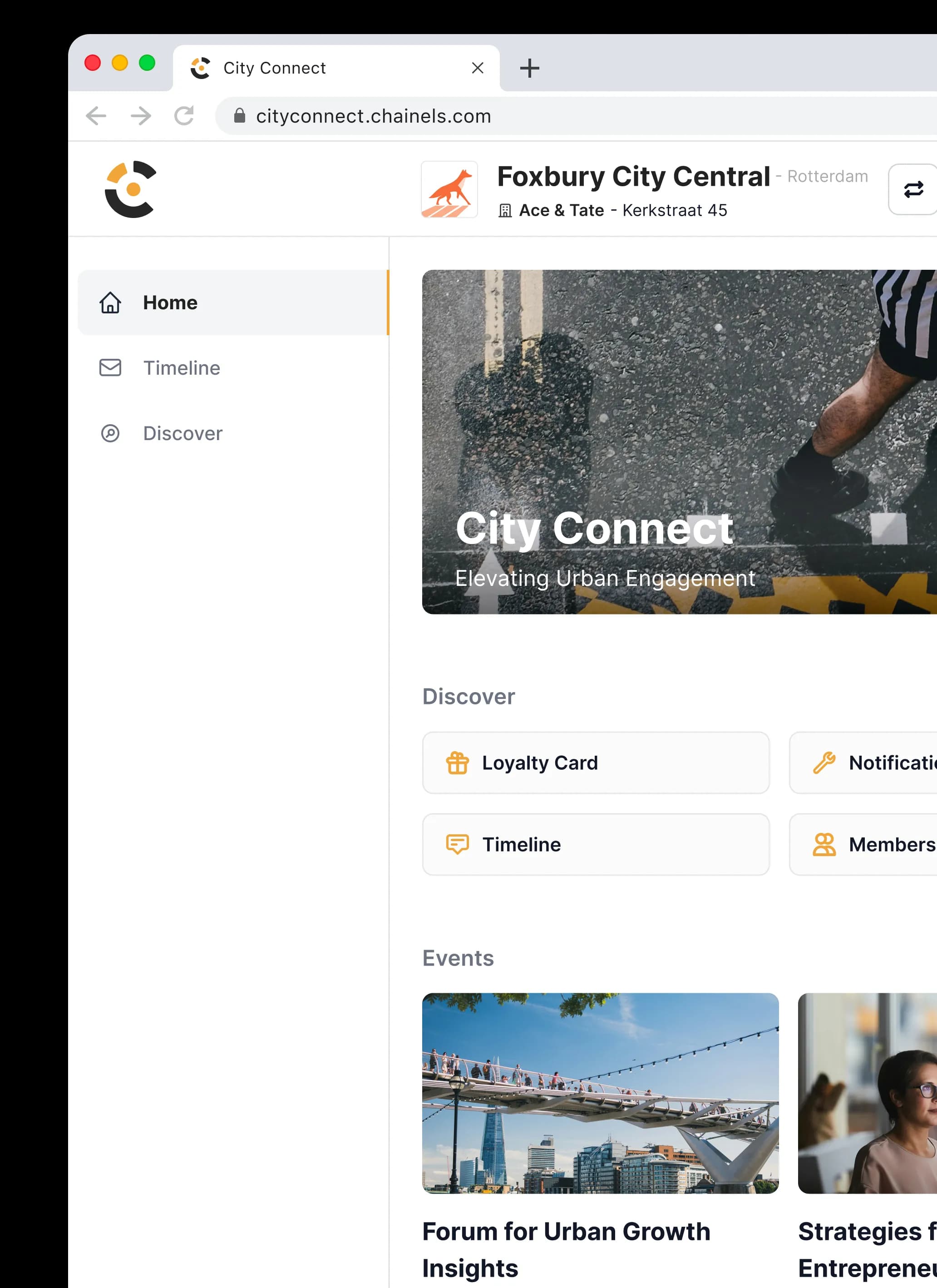
- Click ‘Home’ for an overview of your day. Here you see at a glance what is relevant to you right now: from important community services and the latest news to your open action points. It is the ideal place to start your day, so you immediately know what is going on and can get started right away without having to search.
- Click ‘Timeline’ to discover the heart of the community. Here you not only stay up to date with the latest news and events, but you also actively join the conversation by responding or taking part in surveys. Have something to share, such as a local initiative? Share it directly with your neighbours or peers. It is the place to exchange information and make valuable connections.
Look them up, work together and build an engaged, effective and future-proof community together! - On the ‘Discover’ page you will find your community's complete library. Whether you are looking for specific facilities, information about applications and permits, or want to view documents such as minutes and AED overviews; everything is neatly bundled here. Think of it as your central information point where you discover everything the area and community have to offer.